



How to Pay for Hosting and Domains With PSE
PSE sends you to your bank to approve the payment. Review the order first, save the confirmation and check what happens after approval.
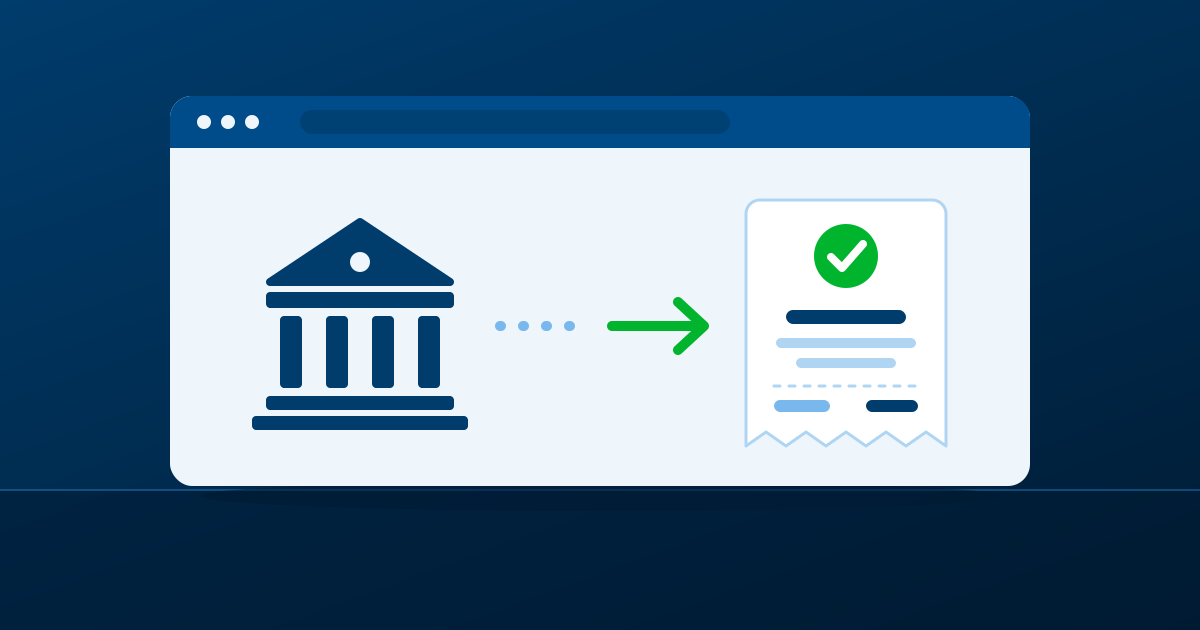
PSE lets you authorize an online payment from your Colombian bank account instead of entering card details on the merchant’s page. For hosting or a domain, the safe process is simple: review the order first, select PSE at checkout, approve the payment in your bank, and keep the confirmation until the service shows its next step.
Review the order before choosing PSE
Start by checking the exact service, registration period, renewal information shown during checkout, and the email address that will receive confirmations. A domain and a hosting plan are separate services even when they appear in the same order. Make sure you know which one you are buying and who will control the domain after registration.
Do not rely on a screenshot of an advertised price. The checkout is where you should confirm the current total, the term selected, and any information the business presents before you authorize payment.
Complete the payment in your bank
At checkout, select PSE as the payment method and choose your bank. You will be redirected to the bank flow to authenticate and authorize the transaction. Complete the process there, then wait for the confirmation page or email rather than closing the browser as soon as you approve the payment.
The merchant does not need your bank password. Keep it inside your bank’s own authentication process, and stop if the page or redirect does not look like the normal payment flow you expect.
What to check after approval
Save the order number and payment confirmation. Then check the inbox used at checkout for the next instructions and the business record of the purchase. Activation timing can differ by service and by the information needed to complete an order, so do not assume that an approved bank transaction means every service is ready at the same instant.
If you registered a domain, confirm the contact details connected to it and keep them current. If you purchased hosting, keep the order confirmation until you can sign in and verify the service details.
If the payment does not appear to go through
First, check your bank’s confirmation and the email inbox used for the order. Avoid submitting the same order repeatedly while the first transaction is still being processed; that can make it harder to identify which payment corresponds to which order. Use the order reference when asking for help.
The practical question: “Can I pay with PSE and still keep my domain separate?”
Yes. PSE is a payment method, not a rule about how you must organize your services. You can manage hosting, domain registration, DNS and business email separately as long as you know where each one is administered.
Before checkout, review the Hosting Colombia options and keep a record of the domain you intend to register or renew.