



What Is DNS? How to Set It Up for Your Domain
DNS tells the internet where your website and email live. Learn the records to understand and the checks to make before changing them.
You update a DNS record, everything looks normal, and later discover that business email stopped arriving. DNS rarely gives you a useful warning when a value is wrong. It is the set of instructions that connects your domain to the services your business uses, so changing it deserves the same care as changing the service itself.
What DNS does
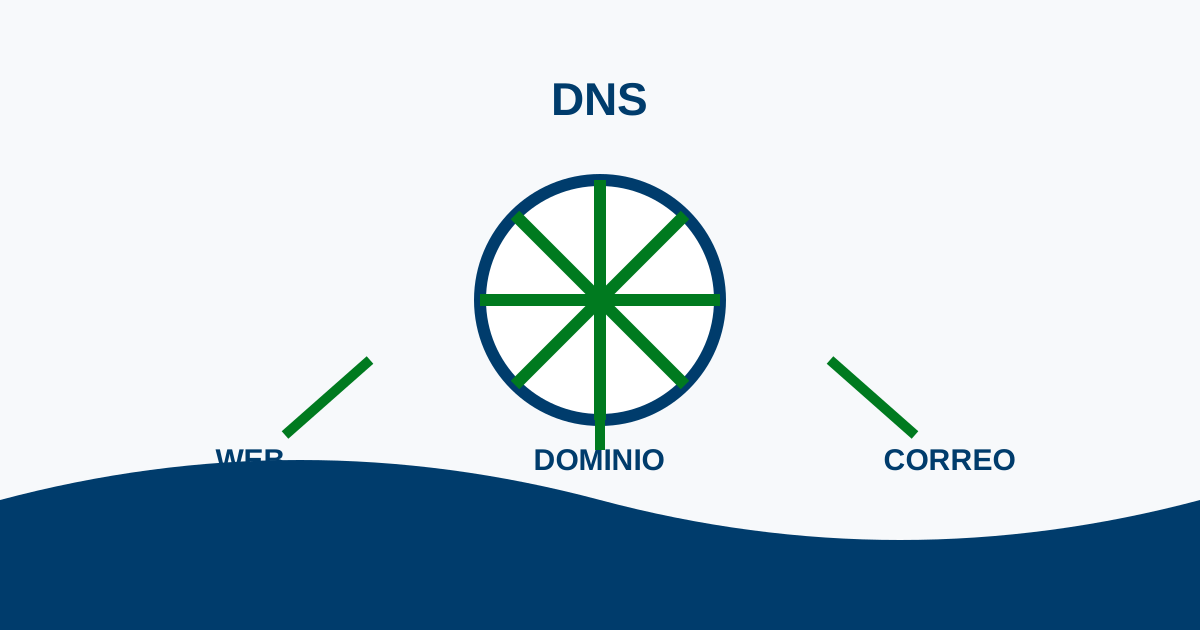
When someone enters your domain, DNS tells the internet where to find the website, where email should be delivered, and how other services can verify that they are allowed to use the domain. The domain is the name you own; DNS is the routing information associated with it.
Four record types worth understanding
An A record points a name to an IP address. A CNAME creates an alias to another hostname. MX records tell other mail systems where to deliver your email. TXT records are commonly used for verification and email policies. A missing or incorrect MX or TXT record can affect email even while the website still opens.
Before you change anything
Save a complete copy of the existing DNS zone and write down what each record supports. Make one change at a time, use the exact values provided by the service you are connecting, and wait before making another change. Do not replace nameservers until the full set of dependent records has been copied and checked.
The honest concern: “I should not change this alone”
That can be the right conclusion. Stop and ask for help if you do not know who controls DNS, if business email depends on it, or if several services are being moved at once. The goal is not to change DNS quickly; it is to keep the services that already work from disappearing.
Use domain management to keep the domain itself under clear control before editing the services connected to it.