



Website Migration Checklist Before Changing Hosting
A website is more than the page you can see. Inventory every dependency before moving the hosting environment.

Moving a website is not just copying a folder and pointing a domain. A site can depend on a database, email, forms, scheduled tasks, uploaded files and DNS records that nobody remembers until they stop working.
Inventory every component
List site files, uploads, database credentials, domain and registrar, DNS and mail records, mailboxes, certificates, forms, payment services, APIs and scheduled processes. They may not live with the same provider and may not need to move together.
A domain can stay with its registrar while the website changes to new hosting. Email can also remain where it is if its DNS records are preserved. Separating those decisions reduces unnecessary risk.
Test before changing traffic
Check the site, database and critical functions on the new environment before directing visitors there. Test forms and important customer paths. Keep the old version available for the rollback period defined by the technical team instead of deleting it immediately after copying files.
Treat DNS as a separate change
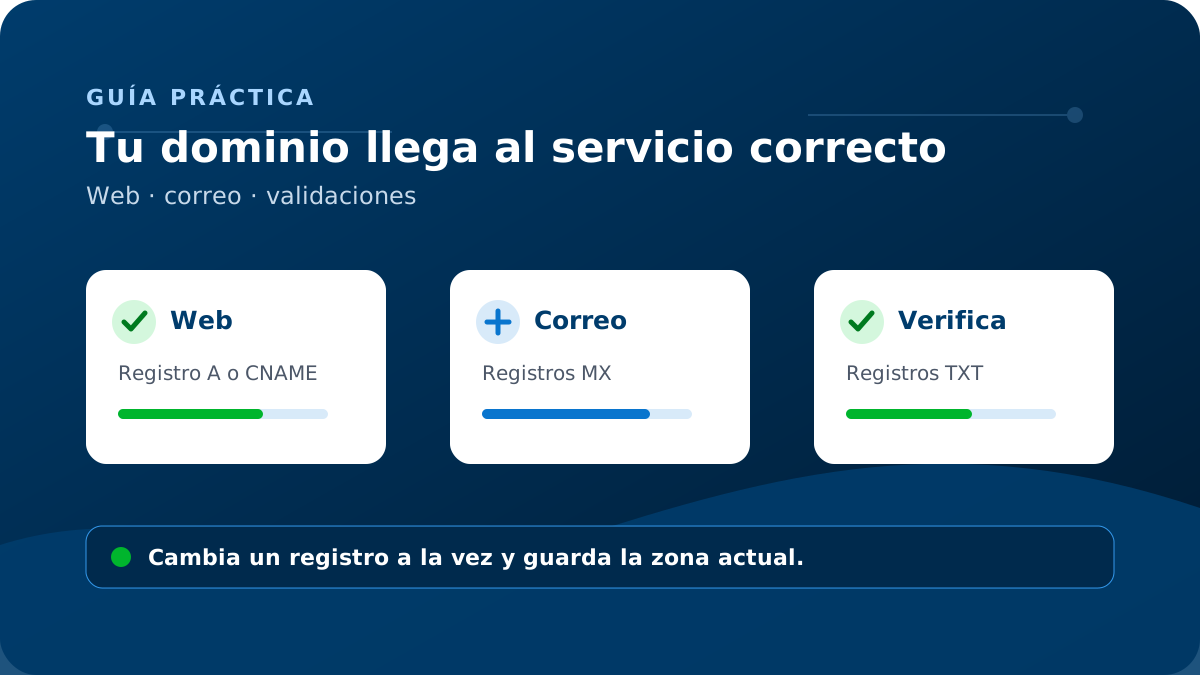
Changing an A record can move the website; changing an MX record can affect email. Save the current values, plan the change window and remember that different networks may see DNS updates at different times.