



Business Email vs Gmail: What Should a Team Use?
The main choice is not the inbox interface. It is whether the business controls the domain, accounts and access that represent it.

Your customer often sees your email address before they read the message. A personal Gmail account can work at the beginning, but it ties a business conversation to one person’s account rather than to the domain and identity the business controls.
The practical difference
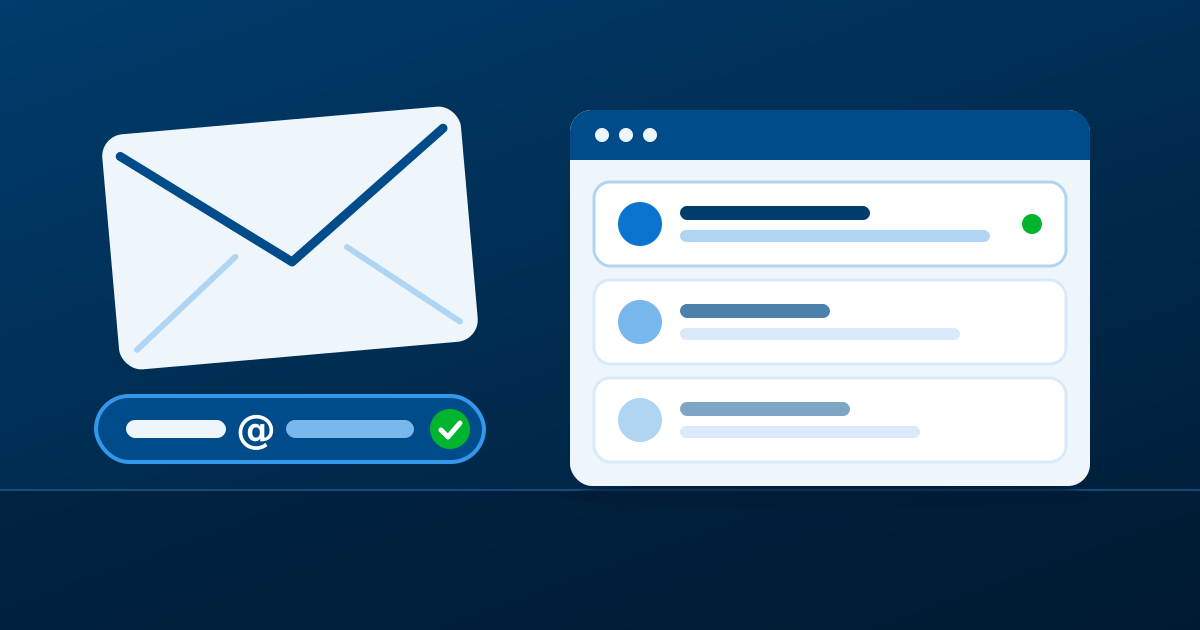
Business email uses a domain you control, such as name@yourbusiness.com. Personal Gmail uses Google’s public domain, such as name@gmail.com. The difference is not that one inbox can send messages and the other cannot. It is who controls the address customers learn, how the team manages access, and whether the address can remain stable as roles change.
When a personal account starts to create risk
A personal address may be manageable when one person runs every part of a new business. It becomes harder when another person needs to answer customers, when a team member leaves, or when business logins and customer conversations are tied to an individual account.
With a business domain, you can create addresses based on roles and people, decide who administers them, and remove access when responsibilities change. The domain remains the business asset even if the email service changes later.
Gmail can still be part of the answer
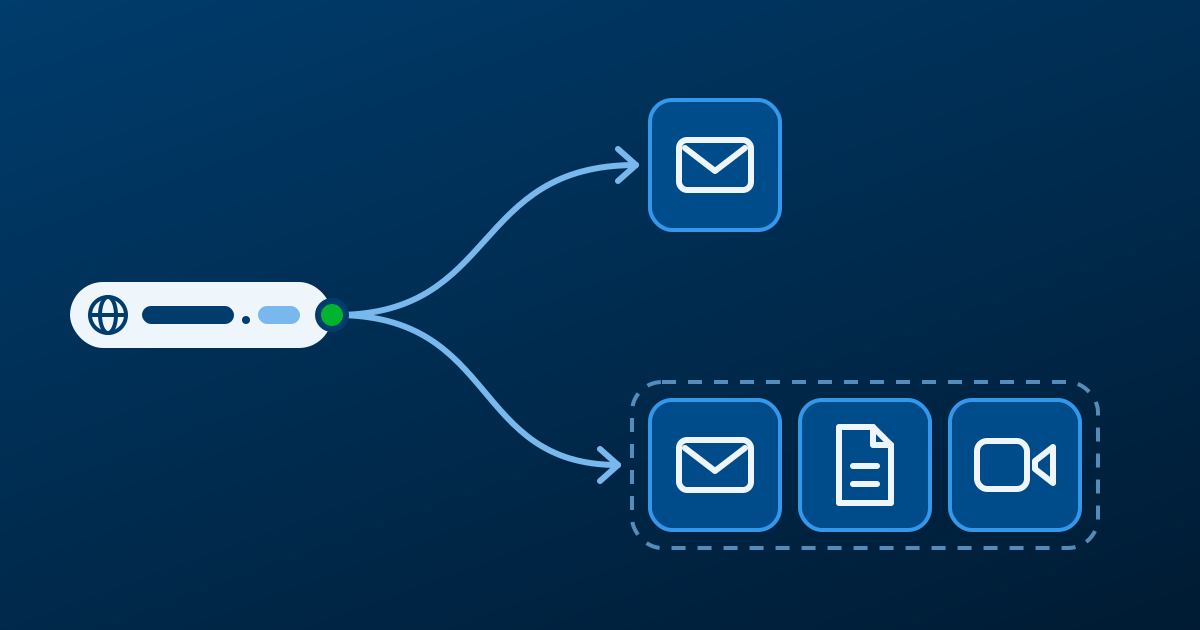
The choice is not always business email versus the Gmail interface. Google Workspace offers Gmail-style email on a business domain, together with collaboration tools. If your team wants custom domain email but also works in shared documents and meetings, review Google Workspace. If the main need is focused email on your own domain, review Titan business email.
Set it up with a clear ownership plan
Before creating accounts, confirm who controls the domain, who can edit its DNS settings, and which person will be the email administrator. Create a simple list of the addresses the business needs and who receives each one. Keep the account recovery details under business control rather than in an employee’s personal inbox.
The common concern: “Will setup be too technical?”
The service provides the DNS values required to connect the domain. The important part is not guessing at those records or changing unrelated settings at the same time. Keep a copy of the existing DNS zone, make the required changes exactly as provided, then test incoming and outgoing messages before sharing the new address publicly.