




Titan Email or Google Workspace: Which Fits Your Team?
Both give your business email on its own domain. The useful difference is whether your team needs email only or a full collaboration suite.
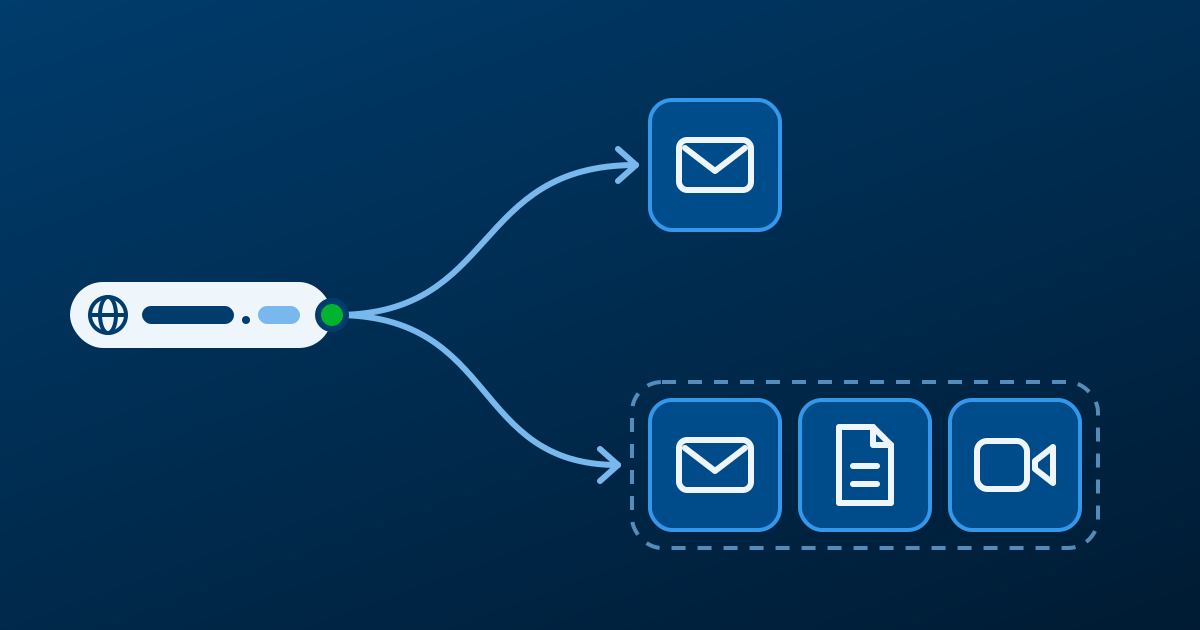
Both Titan Email and Google Workspace let you use an address on your own domain, such as name@yourbusiness.com. The choice is not about which one sounds more advanced. It is about whether your team needs a focused email service or an online workspace built around shared files, meetings and collaboration.
The difference in one sentence
Titan is business email with the tools your team needs to send, receive and organize messages. Google Workspace includes business email alongside Gmail, Drive, Docs, Sheets, Meet, Calendar and other collaboration tools.
If people mainly answer customers, send proposals and manage their own files, email may be enough. If they work in the same documents, share files daily or meet remotely, the broader workspace can solve a different set of problems.
When Titan Email is the better fit
Titan is a practical choice when email is the main need. It suits a small team that wants professional addresses on its own domain, webmail and mobile access, calendar and contacts, without paying for a collaboration suite it will not use.
This can be the right fit if documents already live on each person’s computer, meetings use an existing tool, and the priority is to separate business communication from personal accounts. You can review the available Titan business email options before deciding.
When Google Workspace earns its place
Google Workspace is more relevant when email is only one part of how the team works. Consider it when people edit proposals together, need shared access to files, schedule meetings often, or prefer using a familiar Gmail-style interface with their business domain.
The value comes from using the rest of the workspace, not from buying a larger package just to send messages. Review which tools your team uses in a typical week, then compare that with the Google Workspace options.
Compare the workflow, not a headline price
Count the people who need an account, list the tasks they complete together, and look at the current renewal information shown for each service. A lower-cost email-only option is not automatically better if your team spends hours emailing document versions back and forth. A full collaboration suite is not automatically better if nobody uses its shared tools.
Can you change later?
Yes. Your domain remains yours. Moving from one email service to another means creating the destination accounts, updating the domain’s mail records, and migrating the messages or data you want to keep. Plan the change before you announce it, and avoid changing unrelated DNS settings at the same time.
The real question: “What if my team grows?”
Start with the workflow you have now and review it again when the work changes. A business does not have to buy every collaboration tool on day one, and it should not stay with an email-only setup if shared work is already creating friction.